cormorant1.jpg |
cormorant2.jpg |
cormorant_funny.jpg |
gbheron1.jpg |
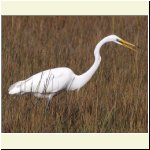
gegret1.jpg |
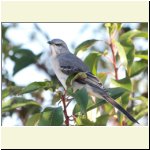
mockingbird1.jpg |
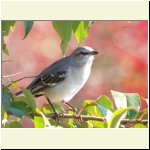
mockingbird2.jpg |
These are the first wildlife pictures I've taken with my new camera, an Olympus E-520 ( see it here ).
When you click a thumbnail, a large version of the picture should appear in your browser. It will display slowly, depending on the speed of your internet connection. After it has finished displaying, click anywhere on the picture with the right mouse button (Mac users should click and hold the single mouse button down for a few seconds). A menu will pop up. Click the menu item that says, "Save picture as...". A Save dialog will come up, allowing you to pick a place on your harddrive to save the file. After doing so, the picture will be on your harddrive.
|
cormorant1.jpg |
cormorant2.jpg |
cormorant_funny.jpg |
gbheron1.jpg |
|
gegret1.jpg |
mockingbird1.jpg |
mockingbird2.jpg |